Today's Sessions
The dashboard lists the class sessions scheduled at your centre today. This is the usual way into a class.
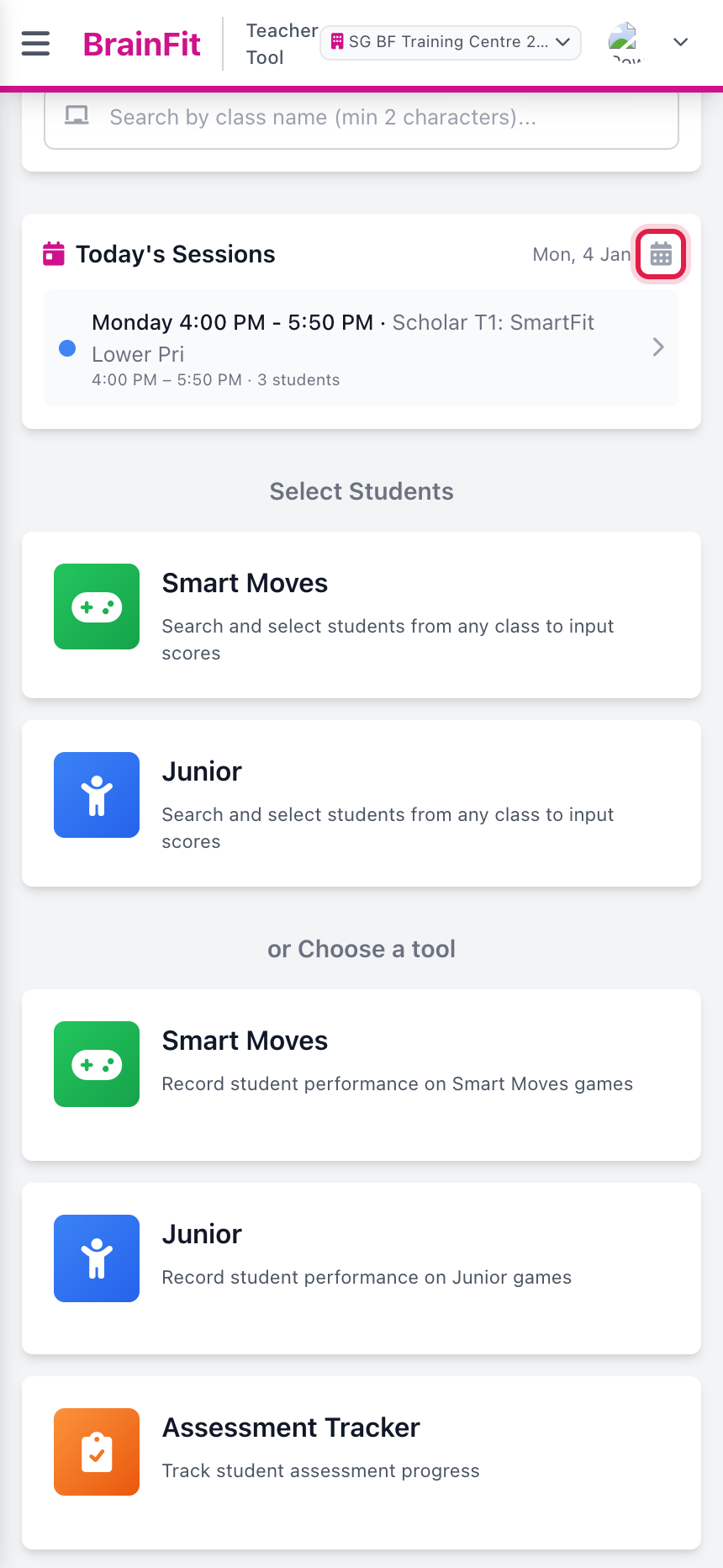
- On the dashboard, scroll to Today's Sessions. It shows Today by default. To see another day, tap the calendar icon and pick a date.
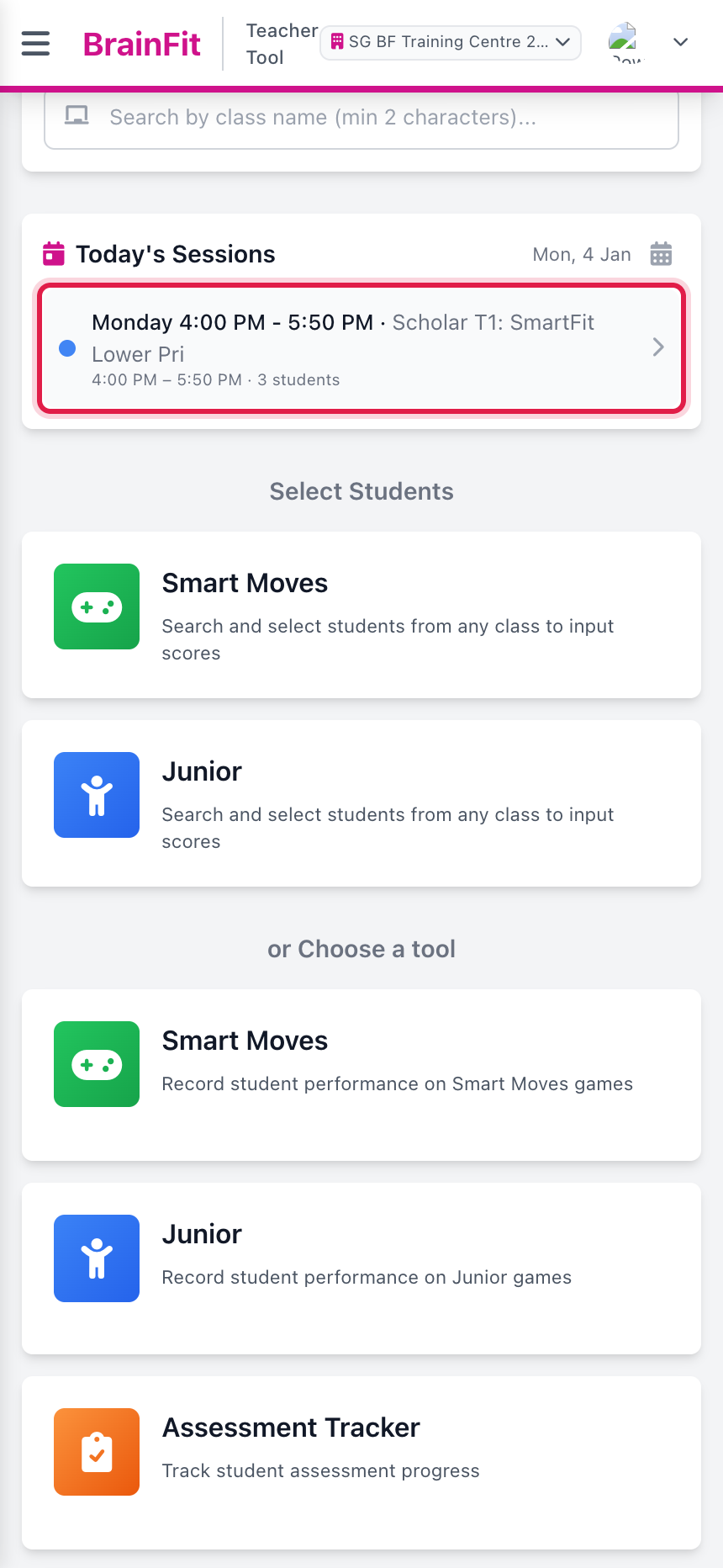
- Each card shows the time, the class and how many students are booked. Tap the session you are teaching.
- The session page shows the session at the top and a row of tabs. Every tab works on the same list of students: the students booked into this session.
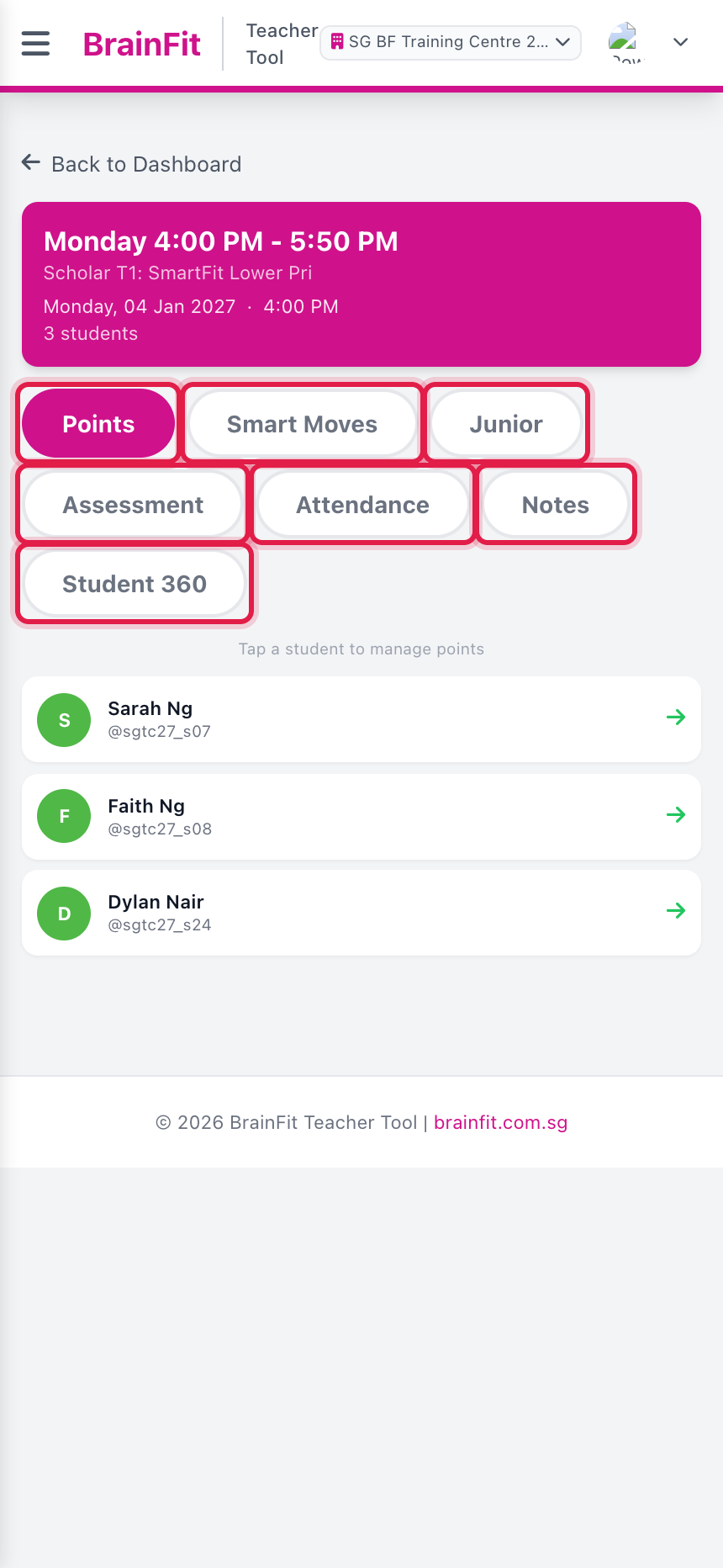
| Tab | What it is for |
|---|---|
| Points | Give or redeem BF points, see a student's points |
| Smart Moves | Enter Smart Moves scores |
| Junior | Enter Junior scores |
| Assessment | Fill in assessment criteria |
| Attendance | Mark present / absent / excused |
| Notes | Read and write notes about a student |
| Student 360 | A student's profile details |
Tap Back to Dashboard to go back to the list of sessions.
note
If a session is missing, check the centre at the top of the screen and the date. Sessions come from Scheduling, so a class needs to be scheduled there to show up here.